
Name the topic. Get the presentation.
Real high-resolution slides, images and 3D models, ready for your next lecture. No screenshots. No formatting. No hunting for images.
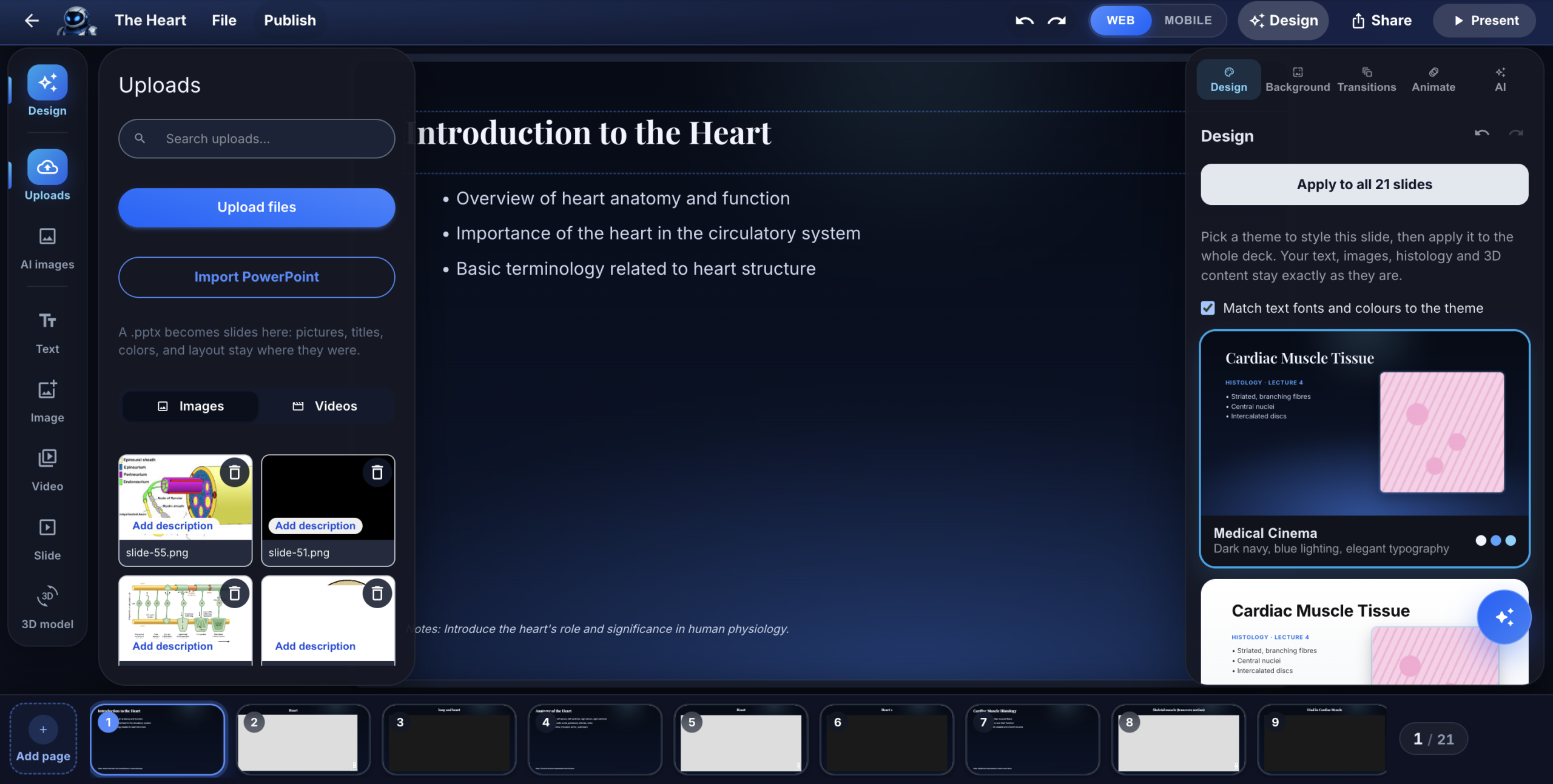
Your lecture deserves better than a screenshot.
A good histology lecture takes hours: finding images, cropping screenshots, fitting them onto slides. And after all that work, students still see a small, blurry picture they can’t zoom into.
Teach from the real slide.
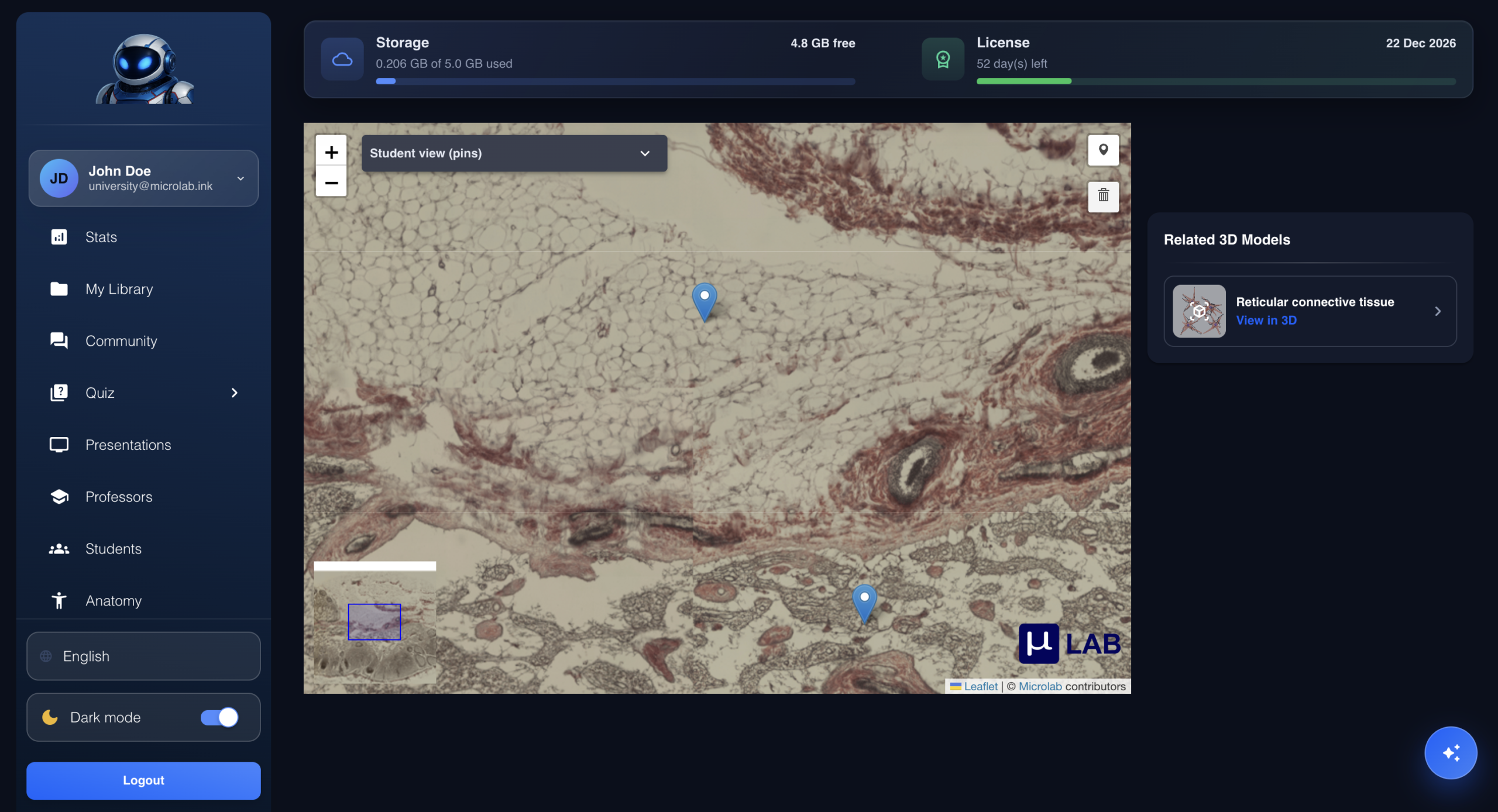
Microlab presentations are built from real, high-resolution slides and interactive 3D models. In class, zoom from the full tissue down to a single cell, or rotate a 3D organ, right inside your presentation. The quality never drops.
How it works
Ask or build
Tell the AI Assistant the topic, or add slides and 3D models yourself from Microlab’s library or your own.
Review and edit
Reorder, swap a slide, add your notes. Nothing is saved until you confirm.
Teach live
Present in class. Zoom into any region or rotate any model in real time.
Built for histology teaching
Real high-resolution slides
Zoom and pan inside the presentation, like at the microscope.
Interactive 3D models
Rotate and explore organs and structures live in class.
Built by AI in moments
Name the topic and get a full presentation with slides, images and 3D models in place.
Your library or ours
Use Microlab’s curated collection or your institution’s own library.
Reuse every term
Your presentations stay in your account, ready for next year.
Same slides for students
Students study on the exact slides you taught with.
Questions? Answered.
Do I need to design slides myself?
No. Ask the AI Assistant to build the full presentation from a topic, then edit whatever you like.
Can I use my own slides and images?
Yes. Add content from your institution’s library alongside Microlab’s slides and 3D models.
Will the AI change my presentations without asking?
Never. You see a preview first, and nothing is created until you confirm.
Does the quality drop when I zoom in class?
No. You’re zooming into the real high-resolution slide, not a picture of it.
Your next lecture, ready in moments.
Book a demo and we’ll build a presentation on your topic, live.